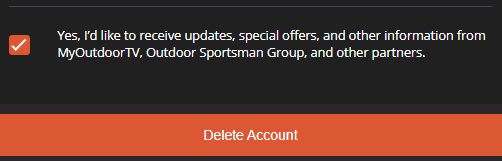
How do I unsubscribe from MyOutdoorTV® marketing emails?

Wed, 19 Nov, 2025 at 11:47 PM

If you wish to stop receiving promotional emails from the app, you can easily unsubscribe. Simply open any marketing email you've previously received from us. Scroll down to the very bottom of the email, and you will find a hyperlink labeled "Unsubscribe." Click on this link to opt out of future marketing communications.

How do I update my profile information or change my email in MyOutdoorTV®?

  1. Access Settings: Log in to MyOutdoorTV® and select "Settings" from the dropdown menu.

  2. Edit Profile: Choose "EDIT PROFILE."

  3. Update Email: Complete the required fields with your current email and your new email address.

  4. Save Changes: Select "SAVE" to confirm or "CANCEL" to exit.

note:

  • From this point, you can adjust your name, email, and other account information.

  • Remember to use your updated email address for future logins.

  • We advise logging out and then logging back in with your newly updated email address.

  • Contact our customer support team at support@myoutdoortv.com for further assistance.

Was this article helpful?

That’s Great!

Thank you for your feedback

Sorry! We couldn't be helpful

Thank you for your feedback

Let us know how can we improve this article!

Select at least one of the reasons
CAPTCHA verification is required.

Feedback sent

We appreciate your effort and will try to fix the article