When you use the "Sign in with Apple" option and choose to "Hide My Email," Apple generates a unique, private email address for your account that typically ends with @privaterelay.appleid.com.
Because of this security feature, our system does not have your standard personal email on file. To accurately verify your subscription and resolve your issue, we need you to provide this specific private relay address.
How to log in to your account: To access MyOutdoorTV®, the easiest and most reliable method is to consistently select the "Sign in with Apple" button on your mobile device, computer, or TV.
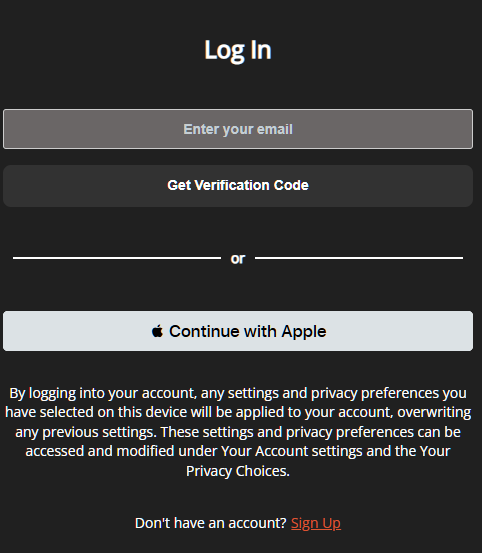
How to find your Apple Private Relay address: To locate this hidden email address so our support team can assist you, please follow these steps on your iPhone or iPad:
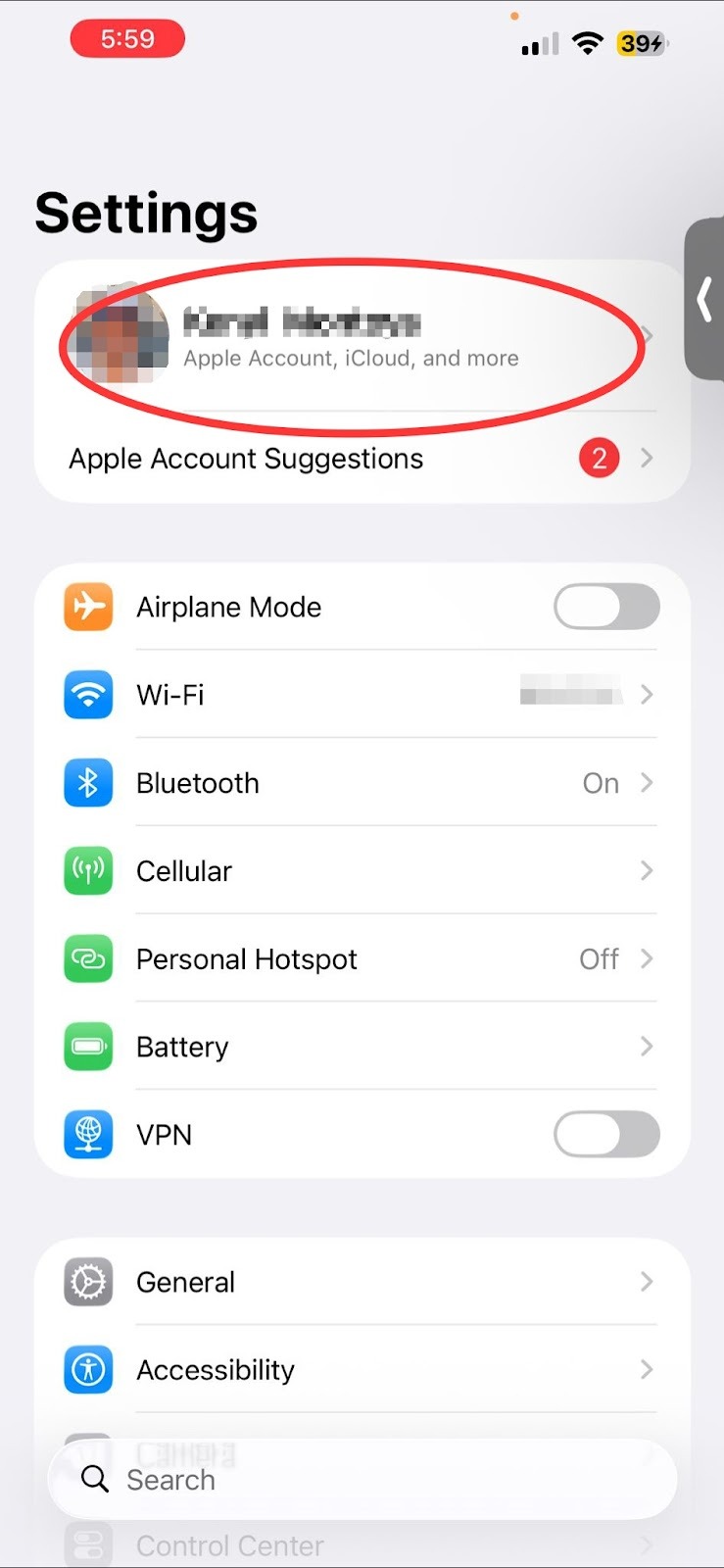
Open Settings and tap on [Your Name] (Apple ID) at the top of the screen.
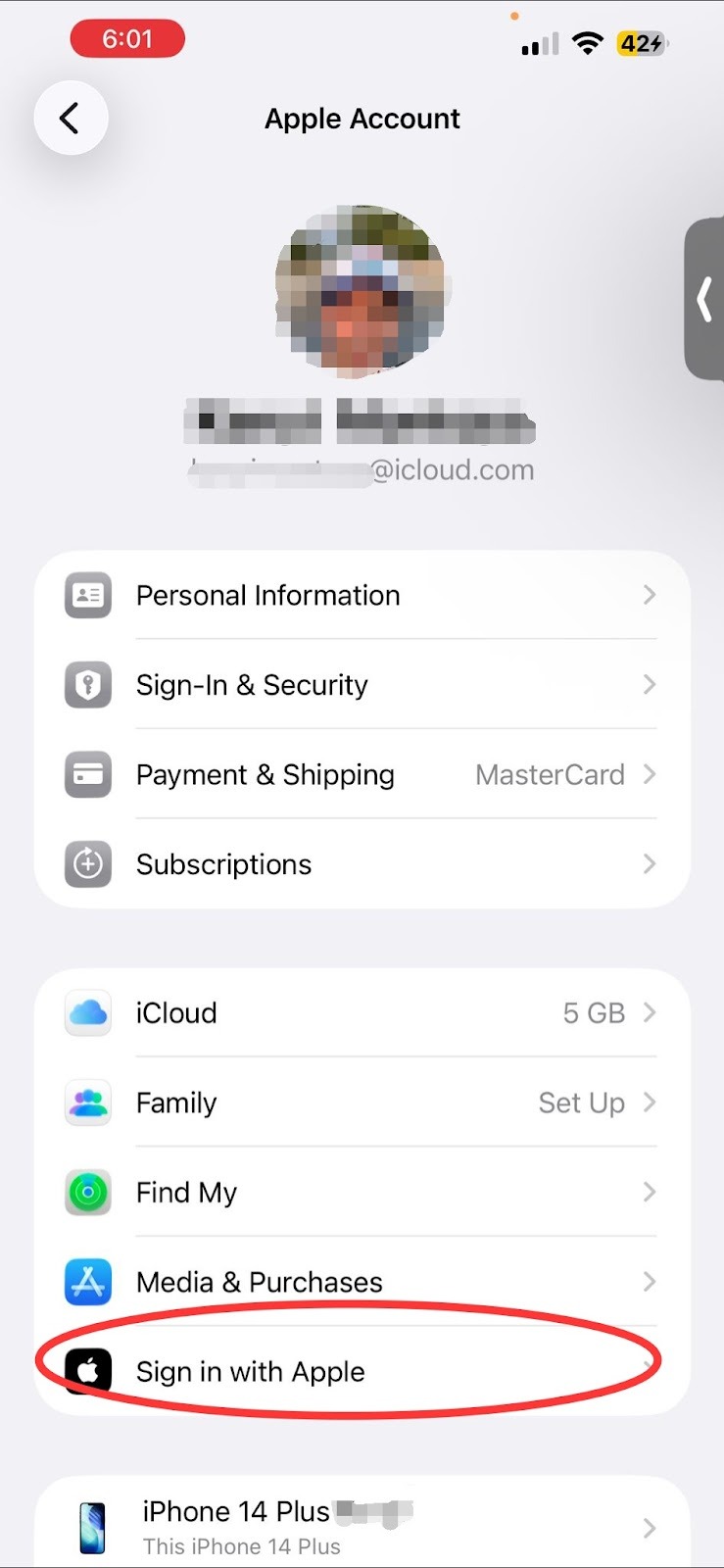
Tap Sign in with Apple.
Select MyOutdoorTV® from the list of apps utilizing your Apple ID.
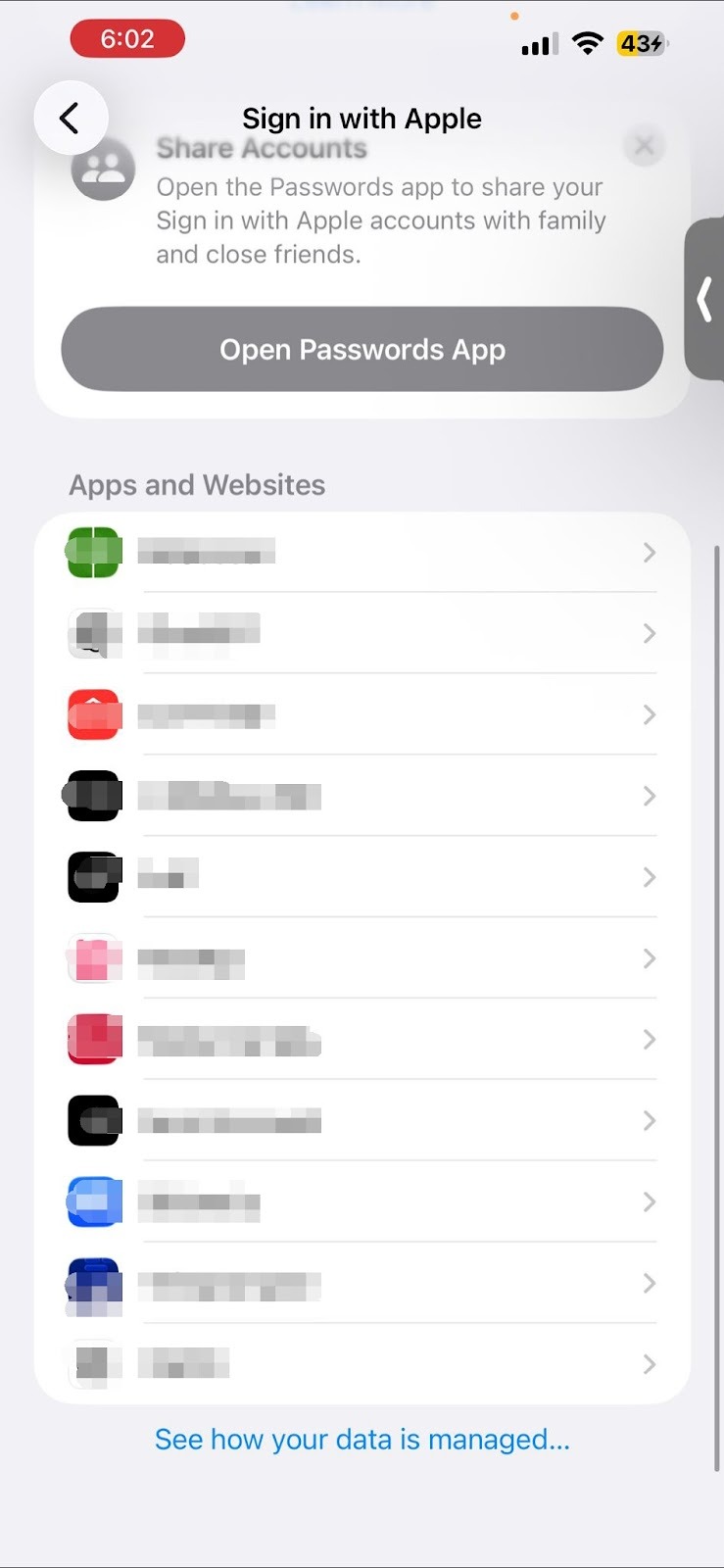
Look under the "Hide My Email" section. You will see the specific email address assigned to this app ending in @privaterelay.appleid.com.
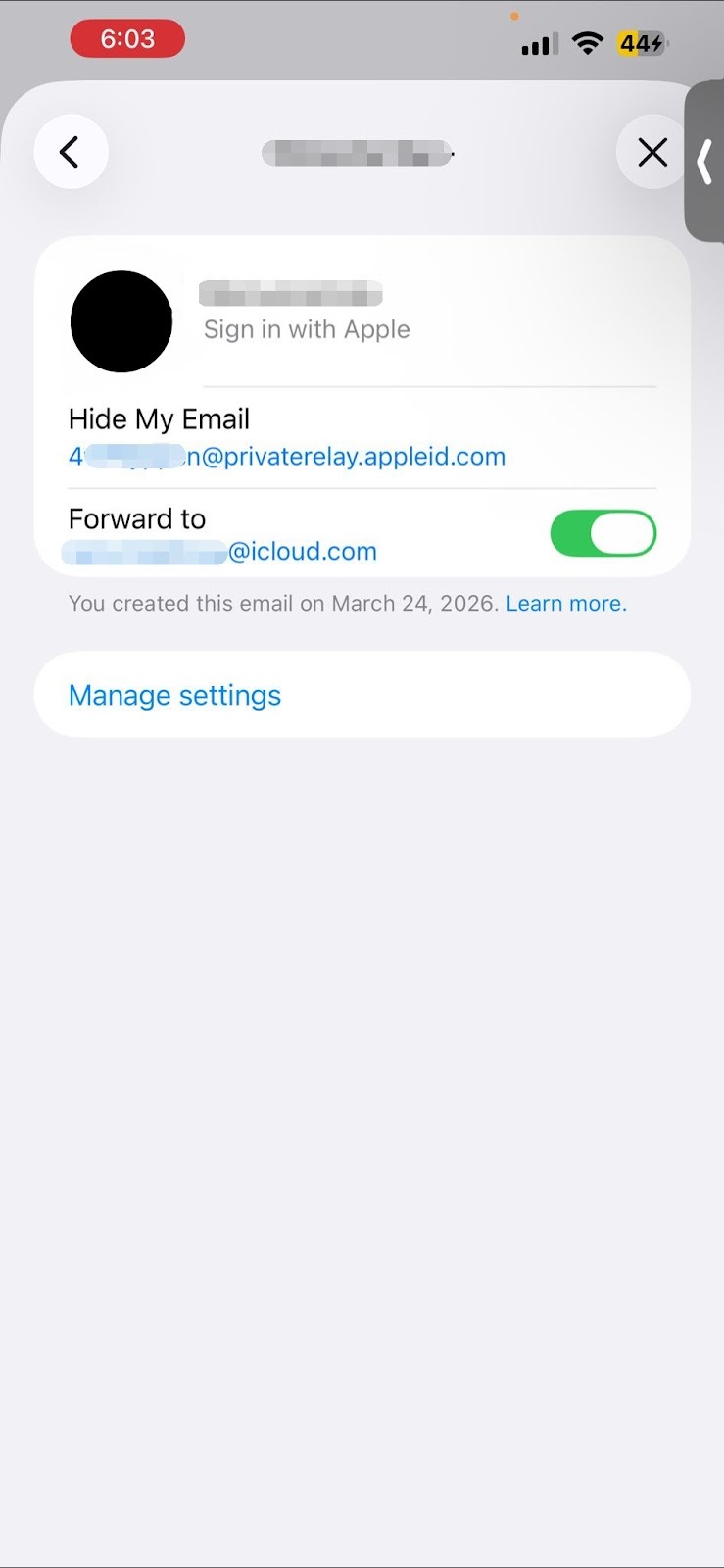
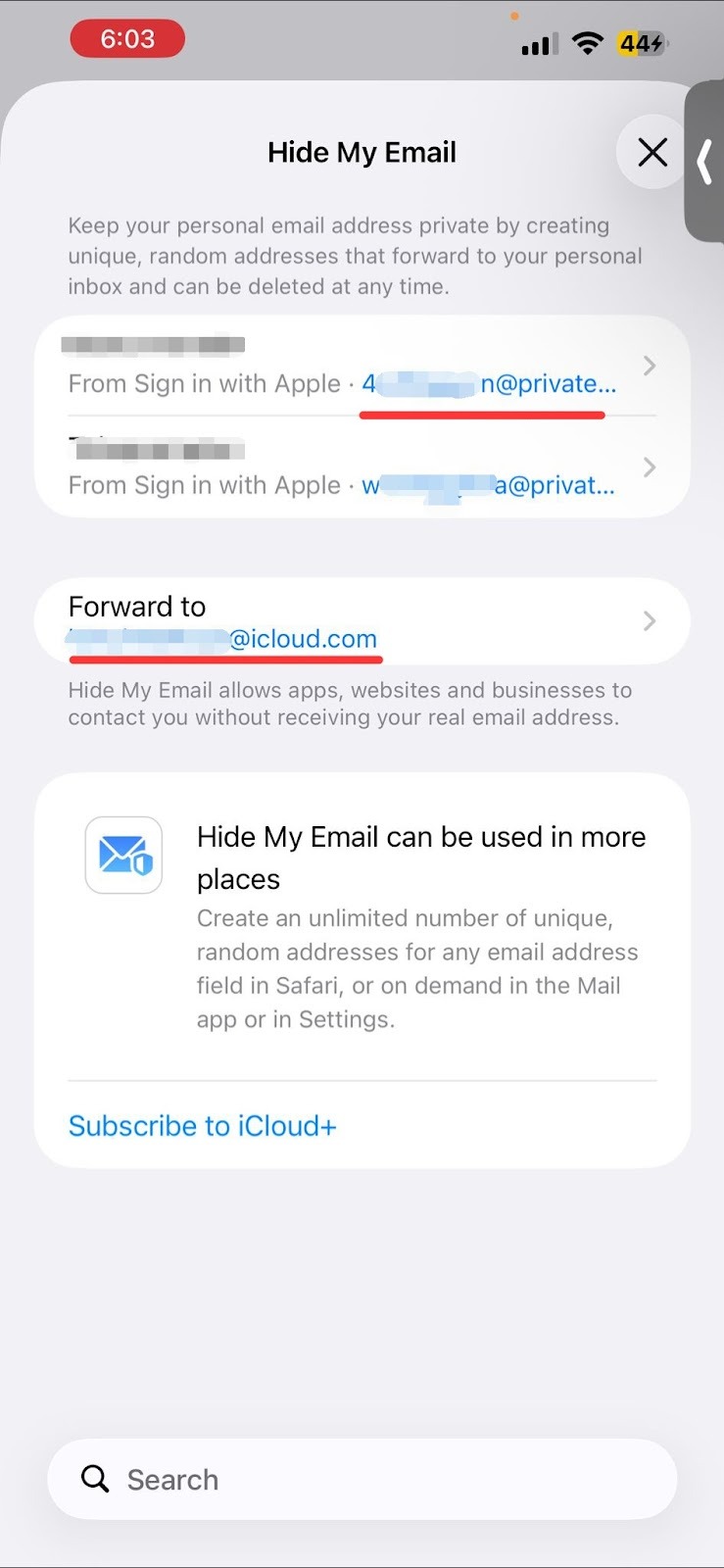
Please reply to this message with that exact relay email address so we can locate your account.
(Note: If you’d prefer to use a standard email address moving forward, you can update your email anytime in your MyOutdoorTV® Account Settings after successfully logging in).
Was this article helpful?
That’s Great!
Thank you for your feedback
Sorry! We couldn't be helpful
Thank you for your feedback
Feedback sent
We appreciate your effort and will try to fix the article